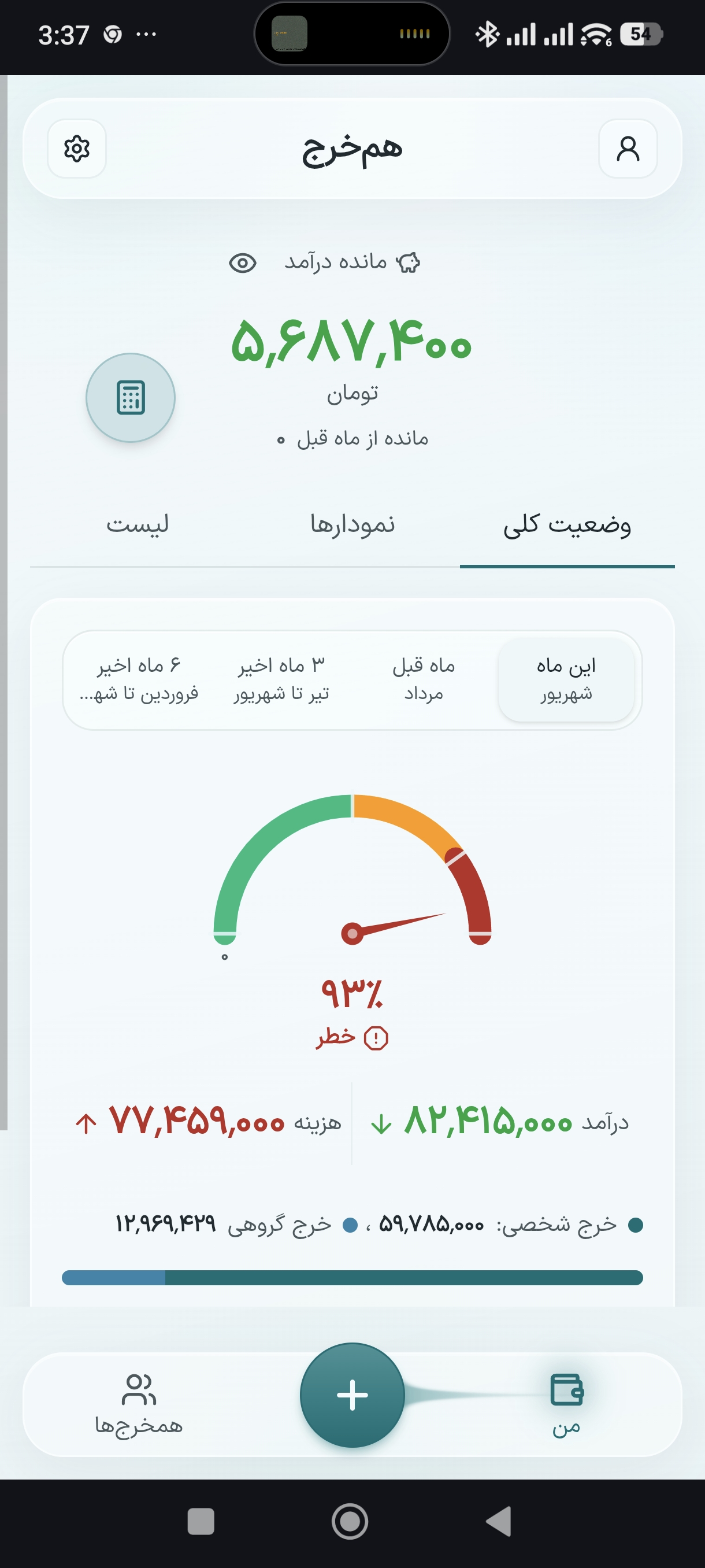
Personal expenses
Log your day-to-day spends apart from groups, and track them in the same place.
Peygram
Shared and personal expense ledger
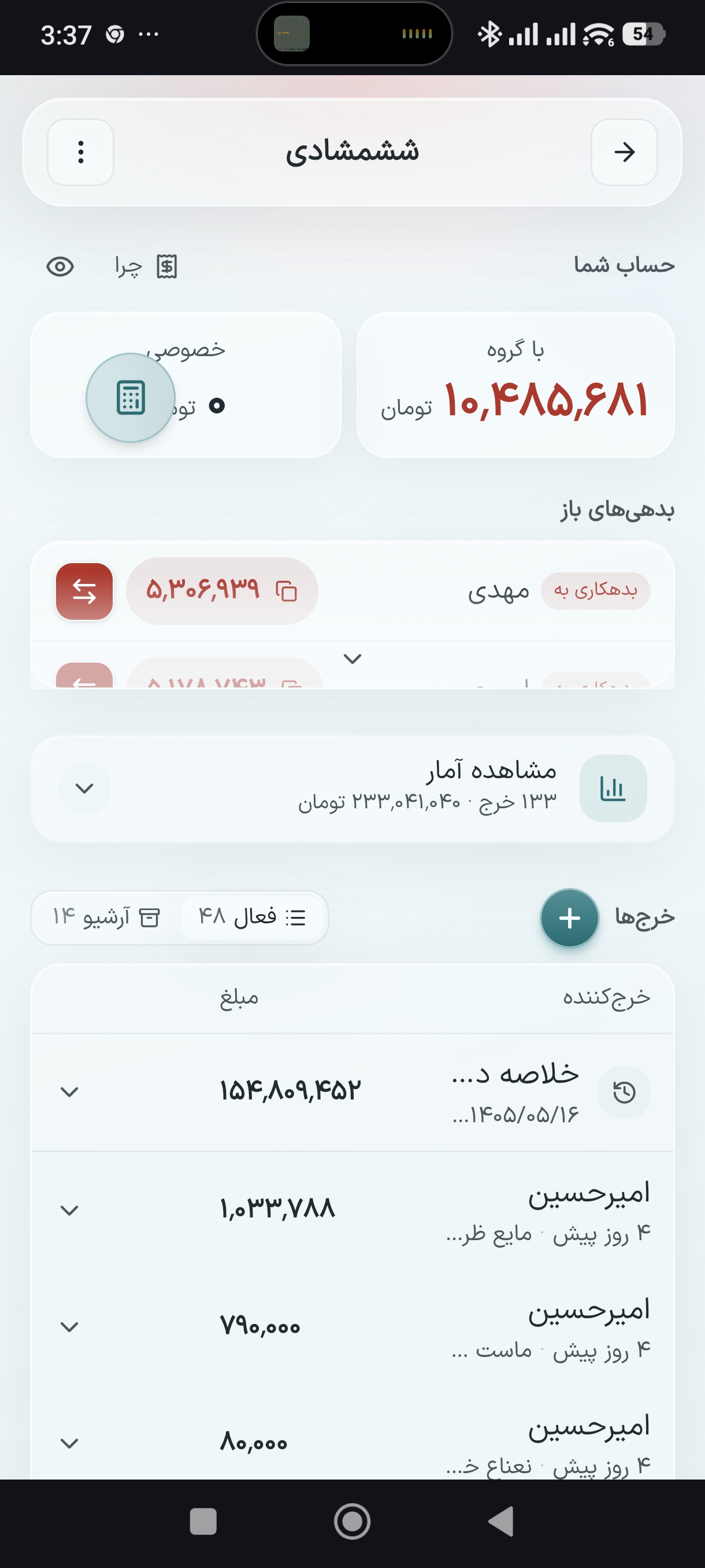
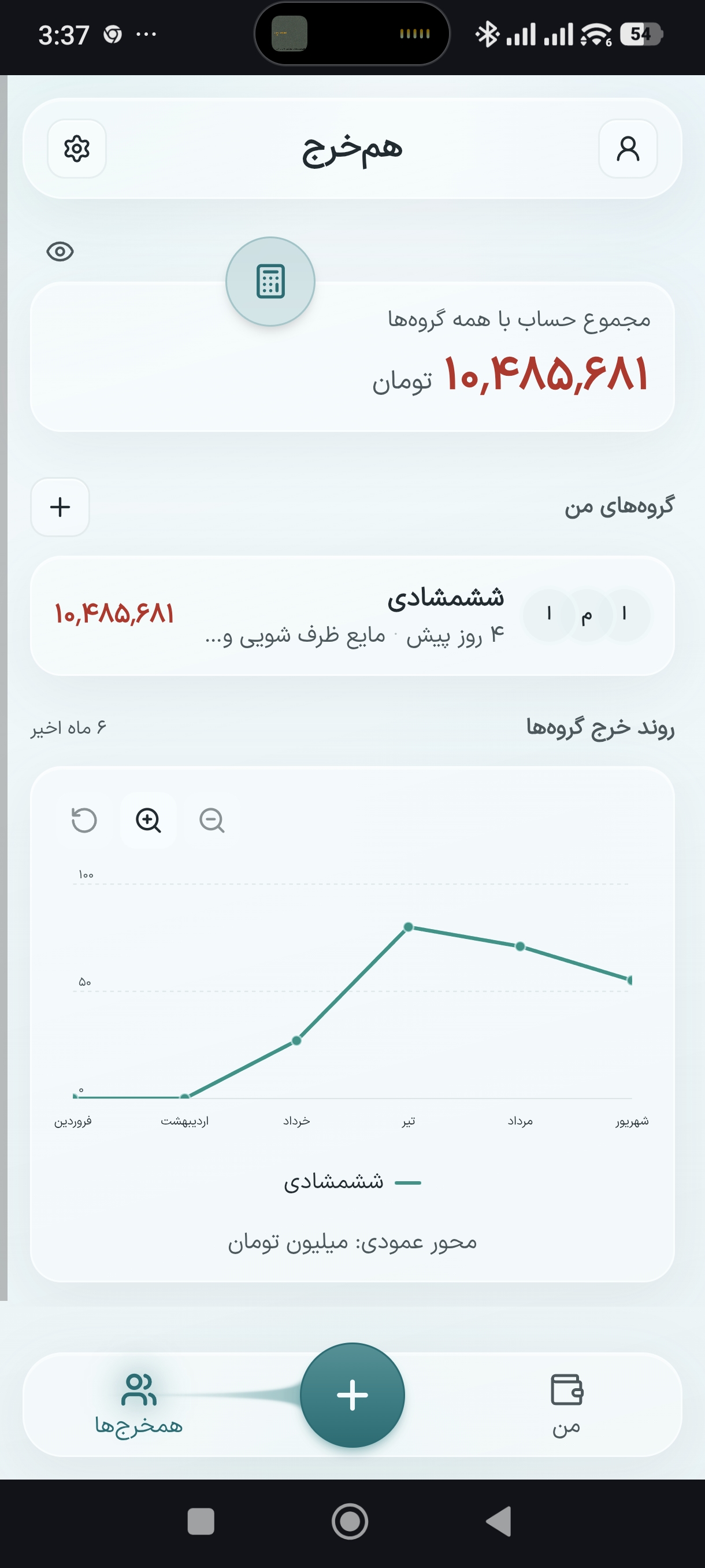
Log shared trip, flat, or hangout spends. Your personal expenses live here too. See who owes whom — without the awkwardness.
You write it in a Telegram group, or a phone note. Later nobody remembers who paid what.
We’ll settle later
Remember that money I covered?
(nobody replied)
What you already do — just tidier.
“North trip”, “Flat”, “Hangout”
By link or phone. No separate signup — a number is enough
Peygram splits each person’s share
Settle yourselves, then record it here
From personal spends to group splits — one ledger, without the awkward reminders.
Log your day-to-day spends apart from groups, and track them in the same place.
Who paid and who’s in stays clear. Each person’s share is calculated for you.
See who owes whom — and how each expense moved the balance.
Only partners see them. The rest of the group never learns they exist.
Friends open a link or get invited by number — no separate signup.
Signal drops on Chalus road. Log fuel right there; sync when you’re back.
Sara lends Amin money in the trip group. Narges never sees it — not the amount, not the title.
Sara sees
Only Sara and Amin can see this
Narges sees
No loan here
A few people in one home. Log recurring spends so month-end stays calm.
Add it from Safari to your Home Screen so it opens without the address bar.
If you opened the link inside Telegram or Instagram, choose “Open in Safari”. Install only works properly from Safari.
Share
Safari’s Share button
Add to Home Screen
Add to Home Screen
Add
Peygram icon is on your home screen
On Android, opening the app is enough. Cafe Bazaar shows separately when enabled.
Open the appYes. Log expenses offline; they sync when you’re back online.
No. Only partners see them — others never learn they exist.
Open the link in Safari and tap Add to Home Screen.
No. Your phone number is enough; we SMS a login code.
Each person’s share of a joint expense. You log who paid; Peygram computes the shares.
Yes. Track your own spends separately from groups.
After you move money outside the app, record the same amount here as a settlement.